How to Shoot Professional Product Photos with Your iPhone and AI
Skip the expensive photoshoots. This workflow turns basic iPhone photos into professional lifestyle images using AI—complete setup guide, shooting tips, and real before/after examples.
🤖Explore this article with AI
Get AI-powered summaries, insights, and analysis from top AI platforms. Each platform offers unique perspectives on the content.
Most ecommerce teams treat product photography like it's still 2012:
- Waiting weeks for every new batch of images
- Paying thousands for each "simple" photoshoot
- Launching products slower than competitors
The creative bottleneck for most brands isn't copy or dev work. It's images.
Can you replace 80–90% of traditional product photography using just an iPhone and AI? For most products, yes.
This guide covers the exact workflow.
Traditional Shoots vs iPhone + AI
Traditional Product Photography
A "simple" lifestyle shoot involves:
- Find a photographer – quotes, portfolios, negotiations
- Book a studio – coordinate dates, pay deposits
- Shoot day – full day on set, lots of dead time
- Retouching – 1–2 weeks of revisions
- Delivery – compressed folder, half the images unusable
Realistic numbers:
- Cost: €3,500–€8,000
- Timeline: 3–5 weeks
- Output: 20–80 images (no flexibility to change direction later)
iPhone + AI Workflow
- Take an iPhone photo on white background
- Upload to BackdropBoost
- Select a scene template or describe one
- Generate multiple lifestyle variations
- Download and use
Numbers:
- Cost: €0.25–€0.50 per image
- Timeline: Minutes
- Output: Unlimited variations

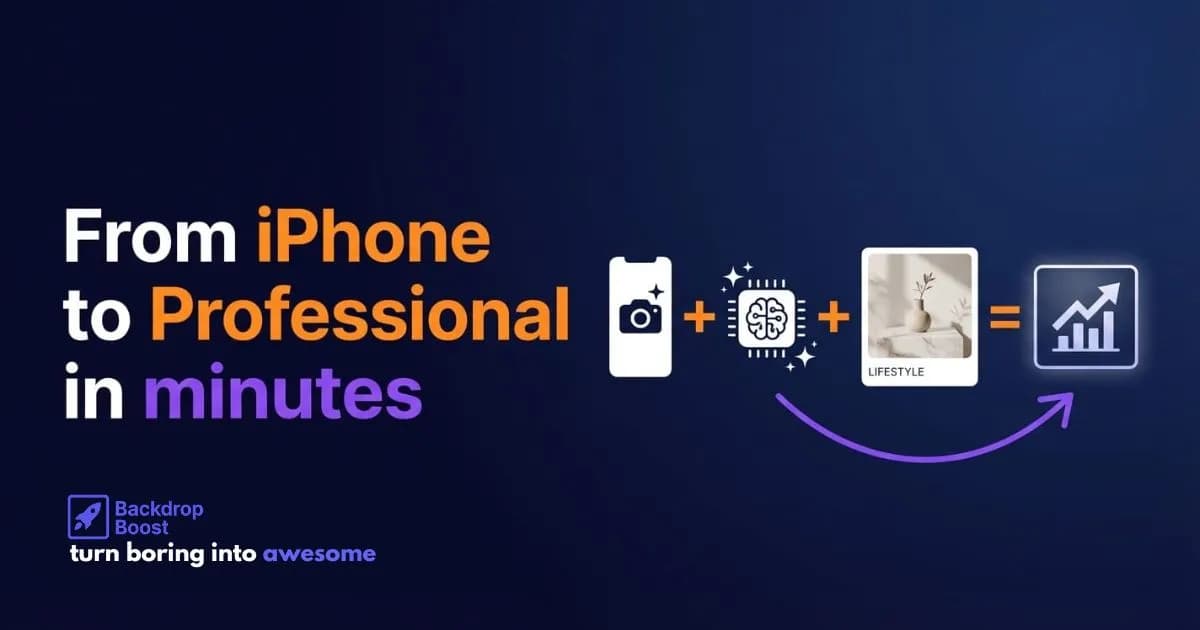
iPhone → AI → ready-to-use lifestyle image
What "Professional" Actually Means
When brands say they need "professional" product shots, they mean:
- Product is sharp and well lit
- Colors are accurate
- Image matches brand aesthetic
- Doesn't look amateur
They don't mean:
- Shot on a €5,000 camera
- Edited in Capture One by a specialist retoucher
- Lit with three Profoto B10s
Modern phones handle 80% of capture quality. AI handles the rest.
Required Gear
Total setup:
- iPhone 12 or newer (17 PRO is the best at the moment, based on our tests)
- White surface – white wall, table, or simple backdrop
- Light source – window with indirect light or a basic LED light
That's it. No $2,000 lens. No C-stands. No softboxes.
Why iPhone Works
Modern iPhones include:
- Smart HDR – automatic shadow/highlight balancing
- Portrait mode – background separation
- Macro mode (13 Pro+) – small product detail
- 12–48 MP sensors – more than enough for ecommerce
You're shooting for PDPs, Shopping carousels, and social ads. Not billboards. iPhone quality exceeds requirements.
Step-by-Step Workflow
Step 1: Set Up a Simple Studio
Find a spot near a window with indirect light.
- A simple white wall or if you need a flat surface then a whie table
- Or if you really want to go "pro" use white tabletop with a sheet propped behind
- Avoid direct midday sun – overcast is better
No good daylight? Use an LED light or ring light bounced off a wall or ceiling. We usually use something like this.
Step 2: Capture the Product
For each product:
- Place in center of white area
- Clean dust/fingerprints
- On iPhone:
- Tap product to focus
- Long press to lock exposure
- Take 3–5 shots from different angles
Goal: capture clean product information, not the final marketing asset.


Step 3: Upload and Generate
Upload your photo to BackdropBoost.
Option A: Select a scene preset
- Modern living room
- Outdoor autumn setting
- Urban street style
- Coffee shop interior
Option B: Write a description
Model wearing shirt in bright modern living room, natural window light, neutral decor, lifestyle photography style
The AI places the product on a model in your chosen context. Takes seconds.
Step 4: Generate Variations
Traditional photography makes variations expensive:
- New angle = new setup
- Different room = new location
- Seasonal feel = new shoot
AI makes variations trivial:
- Same shirt → model in bright living room
- Same shirt → model on autumn garden path
- Same shirt → model in coffee shop
Generate 10–20 versions faster than writing one email.
Cost Comparison
Scenario: 50 SKUs, 3 lifestyle images each = 150 images
Traditional Route
- Photographer + studio: €3,000–€5,000
- Retouching (€50 × 150): €7,500
- Total: €10,000+
- Timeline: 1–2 months
iPhone + AI Route
- Your time: 1–2 days shooting
- BackdropBoost Pro: €120/month (480 images)
- 150 images: ~€40
- Timeline: A few days
The AI workflow also gives you more creative flexibility – generate new variations any time without rebooking a shoot.
Best Use Cases
Works Well
- Home & living – furniture, decor, kitchenware
- Beauty & skincare – bottles, jars, brushes, tools
- Accessories – bags, wallets, belts, cases
- Electronics – speakers, headphones, gadgets
Any product you can place in a believable everyday environment.
Edge Cases
Traditional photography may still make sense for:
- Ultra high-end luxury with strict art direction
- Complex textures or materials (improving rapidly)
- On-model shots requiring specific real people
Even luxury brands increasingly do one hero shoot per year, then use AI for the rest.
Category-Specific Guides
For detailed prompts and techniques by product type, see our category guides:
- AI Jewelry Photography Guide – rings, necklaces, earrings, bracelets
- AI Clothing Photography Guide – apparel and fashion
- AI Furniture Photography Guide – home and living
What Makes a "Good" AI Product Image
Usable creative meets these criteria:
- Believability – shadows, reflections, and scale are realistic
- On-brand styling – colors and props match brand aesthetic
- Clarity – product is unmistakably the hero
- Reusability – works in Shopping, PDP, email, and social
The goal is performance creative, not just pretty pictures.


Implementation Plan
Phase 1: Internal Test
- Pick 5–10 products
- Shoot with iPhone in one afternoon
- Generate 3–5 lifestyle images per product
- Use internally first (PDP mockups, concept decks)
Goal: Validate quality meets your bar.
Phase 2: Live Test
- Swap AI images into a few PDPs
- Use in remarketing ads or email campaigns
- Track CTR and engagement
Goal: Confirm performance metrics hold up.
Phase 3: Systematize
- Add "iPhone shoot + AI processing" to product launch checklist
- Assign clear ownership
- Build a prompt library for brand scenes
Result: in-house, always-on content production.
The Bigger Picture
This isn't just about cheaper images. It's a shift in how creative ops works:
- Faster than competitors
- Lower cost than traditional workflows
- More experimental (new variations cost almost nothing)
Photography becomes an everyday lever, not a quarterly project.
Quick test:
- Take one product
- Photograph with iPhone on white surface
- Upload to BackdropBoost
- Generate 3–5 lifestyle images
Compare cost, speed, and flexibility to your current process.
Try BackdropBoost Free (5 Credits)

About Alfred Simon
Co-Founder at BackdropBoost
Google Ads Expert • AI Entrepreneur
Hey there! I'm Alfred, a Google Ads expert turned AI entrepreneur. After years of managing Google Shopping campaigns and fighting for better performance, I built BackdropBoost to solve the image background problem that was driving me (and my clients) crazy.
With almost a decade of experience in Google Ads and managing hundreds of millions of dollars in ad spend, I know we need to take every opportunity to improve our campaigns. Back in the day we went down in the rabbit holes of SKAGs, adding bid adjustments to everything we could and creating waterfall Shopping campaigns.
Nowadays most of those things are automated. Now we have AI to play with and we need to use it to our advantage.
That is why I built BackdropBoost. With years of experience in Google Ads now I try to create tools that will help us, Google Ads experts, to find new opportunities to improve our campaigns.
Got questions about Google Shopping, AI image generation, or scaling e-commerce campaigns? I'd love to connect and chat!
🤖Explore this article with AI
Get AI-powered summaries, insights, and analysis from top AI platforms. Each platform offers unique perspectives on the content.
Related Resources
Ready to Transform Your Product Images?
Get 5 free credits to test our AI-powered background generator
Start Free Trial